PimEyes gives anyone 10 free face searches a day, but the free results come blurred and without the websites they were found on. If that's what sent you looking for a PimEyes alternative, first work out which part of PimEyes you actually want to replace. Matching one face across different photos is a different job from finding copies of one picture, and watching for new appearances or getting your own face removed are two more. The tools split along those lines.
Below, two face search engines (Lenso.ai and Face Lookup) are compared with two free reverse image search tools (TinEye and Google Lens). Plans, limits and removal steps come from each service's own pages as of November 20, 2026. Face Lookup publishes this blog, so its limits sit in the same table as everyone else's.
What PimEyes gives you for free, and where it stops
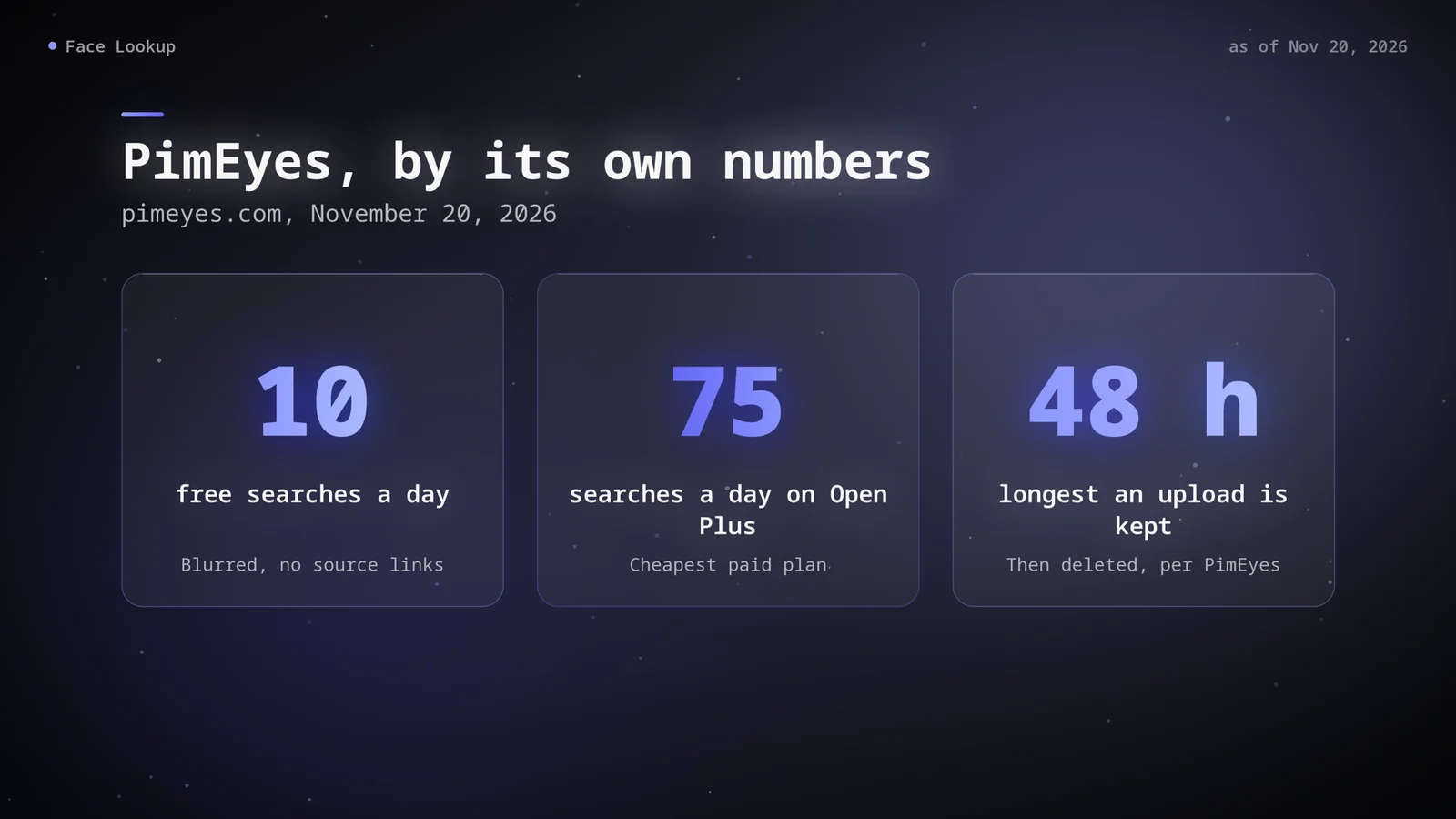
PimEyes compares the face in your upload with images it has indexed from public websites. Without a paid plan you get 10 searches a day, a CAPTCHA and blurred thumbnails, and you can't open the source pages. Seeing where a match lives, the part that makes a result useful, starts with the cheapest paid plan.
| PimEyes plan | Searches per day | Alerts | Takedowns | Source links |
|---|---|---|---|---|
| Free | 10 | None | 0 | No |
| Open Plus | 75 | 10 | 0 | Yes |
| PROtect | 125 | 20 | 200 | Yes |
| Advanced | Unlimited | 500 | 1,000 | Yes, plus Deep Search |
There's no single global price. The pricing page shows plans in the visitor's local currency: when we opened it on November 20, 2026, it listed Open Plus at 186.99, PROtect at 217.99 and Advanced at 1,867.99 Brazilian reais a month. Check the page from where you live before you compare costs. PimEyes' terms also describe a one-time option for unlocking the sources of a single search.
Two more details matter for the comparison. PimEyes says it doesn't search or index social media platforms and professional networks, so a face that only appears there won't come up. It also says uploaded search images are deleted after 48 hours at most.
Face match or picture match: two kinds of tool
A face search engine compares the face itself, so it can return a different photo of the same person: another year, another haircut, another background. It can also return strangers who simply look alike.
A reverse image search compares the whole picture. TinEye states that it "does not recognize faces in the photos." It finds copies of the image you give it, including cropped, resized or edited versions. Google Lens returns visually similar images and the pages that carry them. Neither one is built to find a different photo of the same face.
Both are free, which is why lists of "free PimEyes alternatives" lean on them. They're useful, but they answer a narrower question than PimEyes does.
PimEyes alternatives side by side
| PimEyes | Lenso.ai | Face Lookup | TinEye | Google Lens | |
|---|---|---|---|---|---|
| Matches faces | Yes | Yes, in selected regions | Yes | No, whole image | No, similar images |
| Free use | 10 searches a day, sources hidden | Free search, sources locked | No free search | Free for non-commercial use | Free |
| Cheapest paid option | Open Plus, priced in local currency | Starter, $19.99 a month | 2 searches for $4.99, one-time | API bundles for commercial use | Free only |
| Social media pages | Not indexed | Not stated | Public pages can appear | Not stated | Not stated |
| Ongoing alerts | From Open Plus | From Starter | No | No | No |
| Your search photo is kept | Up to 48 hours | Up to 6 hours after last use | 30 days, private | Not saved | Not stated |
| Removing your face | Opt-out form with ID scan | Opt-out form, no ID | Free request, reviewed by hand | No face index | No face index |
Lenso.ai
Lenso.ai, run by a company in Wrocław, Poland, sorts results into categories such as People, Duplicates and Similar. Its own pages say facial search is available only in selected regions. The free search keeps source links locked. Starter costs $19.99 a month for 50 unlocked results and 10 alerts, and Professional costs $69.99 a month for 500 unlocks, 50 alerts and a Research Mode that Lenso says expands People results to up to 10,000.
Choose it if you were going to pay PimEyes to monitor your own face. Alerts start on Starter, the DMCA helper comes with Professional, and both prices are listed in dollars before you sign up. The catch is the same as with PimEyes: a monthly subscription for what may be a one-off question.
Face Lookup
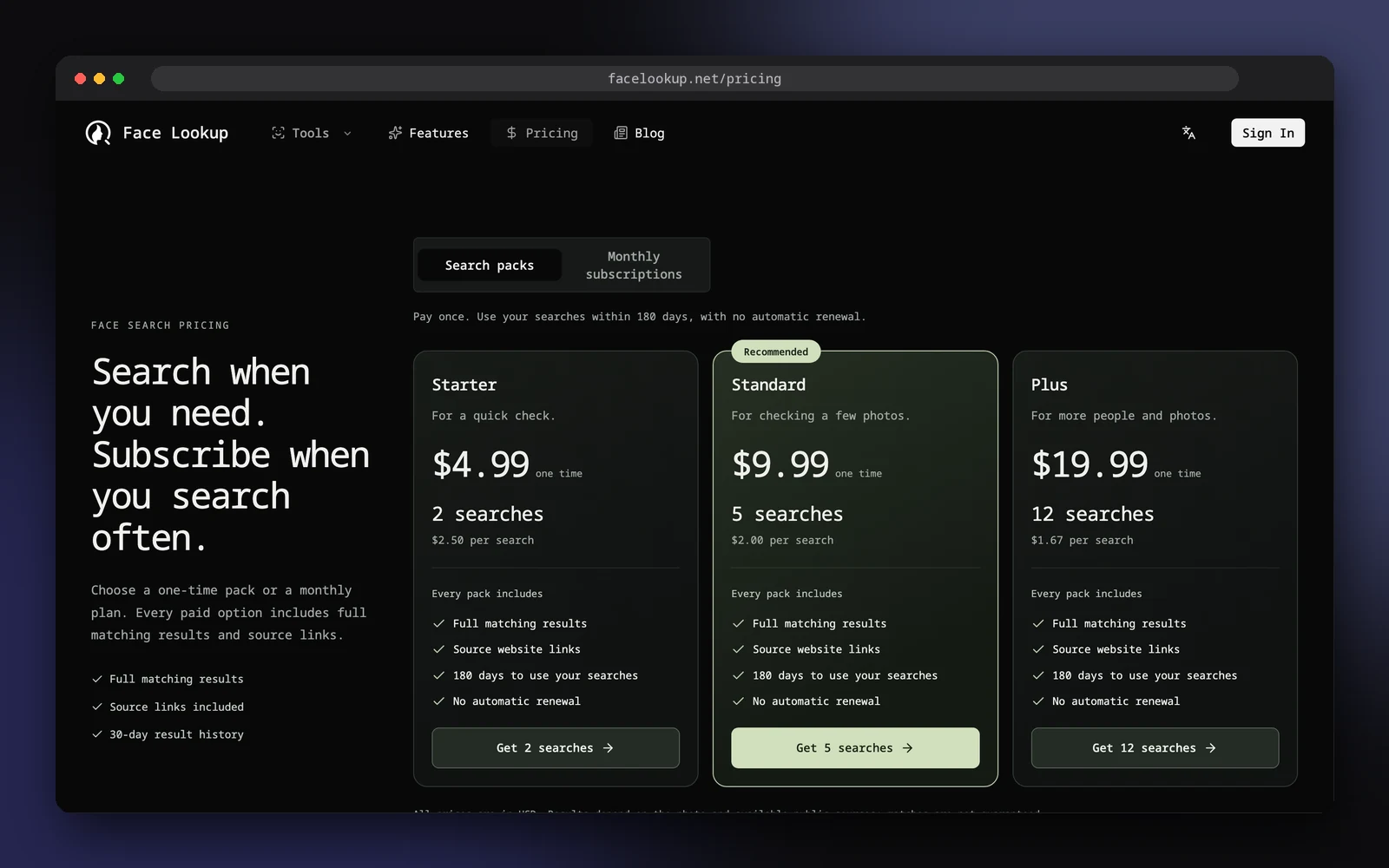
Face Lookup charges per search instead of per month. One search uses 3 credits, and the pricing page sells packs from $4.99 for 2 searches (valid for 180 days, no automatic renewal) or monthly plans from $29.99 for 25 searches. You need an account, and a completed search counts even if nothing matches.
Each result card shows a similarity score and the source website. Public social media pages can appear among the sources; private accounts can't. There are no alerts and no takedown service. The submitted photo is kept privately for 30 days, much longer than PimEyes' 48 hours, for troubleshooting and compliance review. Face Lookup suits a one-off check of a specific photo where you want the source links without a subscription.
TinEye
TinEye's home page says it searches over 86.8 billion images, and it's free for non-commercial use. It doesn't save the images you search with. It won't find another photo of the same face, but it's the quickest way to trace where one particular picture has been posted: whether a profile photo was lifted from someone's portfolio, for example, or where your own photos have been reused.
Google Lens
Google Lens is free on the web and in the Google app. Click the camera icon, upload the photo and look through the visually similar images and the pages that carry them. It's a good first pass, especially on a phone, but it isn't a face matcher. Our guide to finding someone by photo walks through Lens and TinEye step by step.
Which one fits your situation
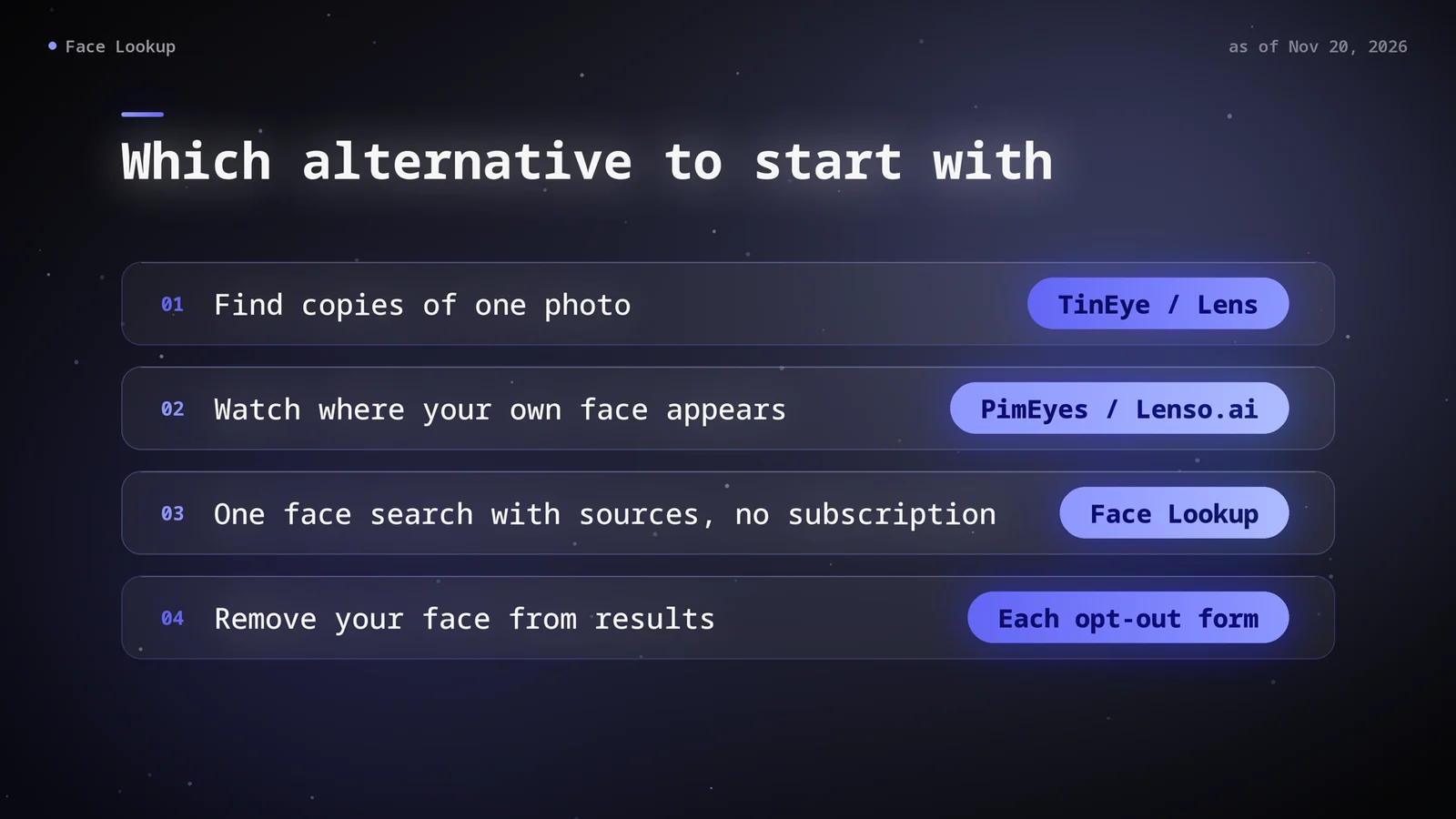
| Your situation | Start with | Why |
|---|---|---|
| A new match's photos look too polished | TinEye and Google Lens | Copies of an existing picture cost nothing to find. Try a face search only if those come back empty |
| You want to know where your own face appears | PimEyes or Lenso.ai, free search first | Both are built around your own image, with paid alerts when new matches appear |
| You have one photo and want full sources once | Face Lookup | Per-search pricing with source links included |
| Someone keeps reposting your photos | TinEye, then Lenso.ai Duplicates | Both look for copies of a specific image; PimEyes PROtect adds takedown requests |
| You need to check a lot of photos every month | PimEyes Advanced or Lenso.ai Professional | Higher daily or monthly limits |
How to remove your face: PimEyes, Lenso.ai, Face Lookup
Every face search engine runs its own opt-out, and a request to one doesn't reach the others.
- PimEyes asks for a clear photo of your face, an anonymized scan of an ID card or passport, and an email address. Each photo needs its own request, and you must confirm you're over 18. Its FAQ says that once a request is processed, your face is removed from the index and excluded from future searches.
- Lenso.ai asks for a photo of your face, your first and last name, an email address and a short description. It says the request removes all images of your face plus duplicates of the photo you upload, and that removal usually takes less than 24 hours. To remove one specific result instead, it points you to its DMCA form.
- Face Lookup takes requests on its privacy and removal page. You don't need an account or a purchase, and you're asked for page or image links rather than a selfie or an ID. Requests are reviewed by hand; an automated, permanent opt-out isn't offered at the moment.
- TinEye and Google Lens don't keep a face index to opt out of.
None of these services hosts the original photo. Getting it taken down from the website that posted it is the only step that works across every tool.
Is it legal to search someone else's face?
That depends on where you and the other person live, and nothing here is legal advice. In the EU, the GDPR lists "biometric data for the purpose of uniquely identifying a natural person" among the special categories whose processing is prohibited unless an exception, such as explicit consent, applies (Article 9). In Illinois, the Biometric Information Privacy Act bars a private entity, such as a company, from collecting a scan of someone's face geometry unless it first informs them in writing and gets a written release.
Laws like these mainly bind the companies that run face search engines, but the services' own terms pass part of the duty on to you. PimEyes' terms describe its free service as checking where your own image appears and ban stalking and spying. Face Lookup's terms ask you to upload a photo only if you're the person shown or have their permission. When neither is true, a reverse image search, which compares the picture rather than the face, is the lighter check.
FAQ
Is there a free PimEyes alternative?
For copies of a picture, yes: TinEye (for non-commercial use) and Google Lens are free. Neither one matches faces, though. Lenso.ai has a free face search, but its source links are locked, much like PimEyes' free tier. Face Lookup has no free search; its smallest pack is 2 searches for $4.99.
Which PimEyes alternative includes social media?
PimEyes says it leaves social media platforms out of its index. Face Lookup's results can include public social media pages when they're among the sources found. No face search opens private accounts, whatever the service.
How much does a PimEyes alternative cost?
As of November 20, 2026: Lenso.ai Starter is $19.99 a month and Professional $69.99 a month. Face Lookup sells packs from $4.99 for 2 searches and monthly plans from $29.99 for 25 searches. PimEyes prices its plans in your local currency, so check its pricing page from your own location.
Does a PimEyes opt-out remove me from other face search engines?
No. A PimEyes opt-out covers PimEyes' results. Lenso.ai and Face Lookup each handle removal through their own forms, and the photo stays on the original website until that site takes it down.
The PimEyes alternative to pick depends on the job. Use TinEye or Google Lens for copies of a picture, Lenso.ai if you want PimEyes-style monitoring at a published price, and Face Lookup for a one-off face search with sources included. Whichever you choose, a match is a lead to check against its source page, not proof of who someone is.
Run a one-off face search with Face Lookup
Sources: PimEyes pricing · PimEyes terms of service · PimEyes opt-out form · Lenso.ai pricing · Lenso.ai face search · Lenso.ai privacy protection · Lenso.ai privacy policy · Lenso.ai opt-out form · TinEye · TinEye: Can TinEye find this person for me? · TinEye: Is TinEye free to use? · Google: Search with an image · GDPR, Article 9 · Illinois Biometric Information Privacy Act. Plans and prices change; each service's own page has the current figures.