

Catfish search. Check the photo behind the profile.

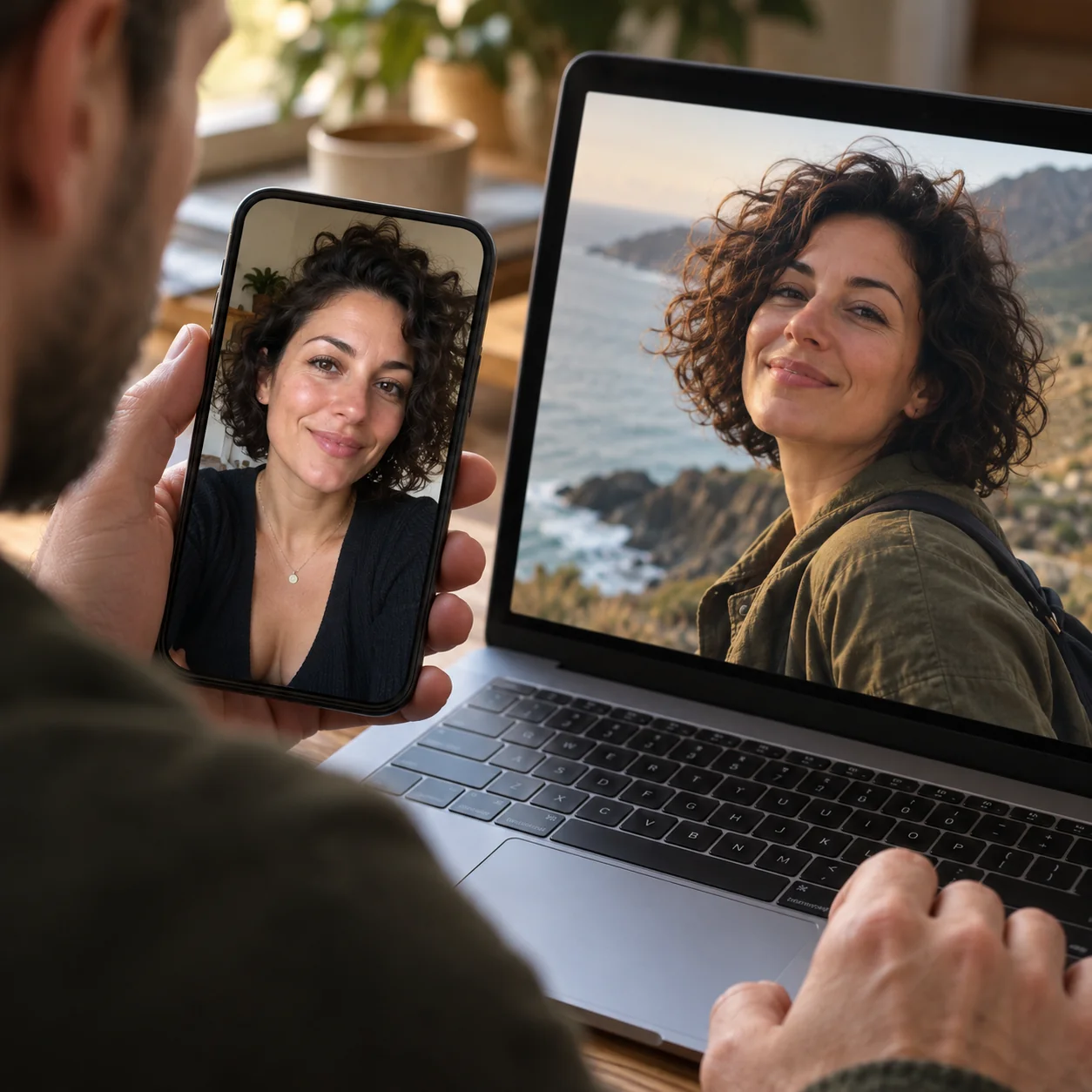
Not sure a dating profile adds up? Start with a photo you’re allowed to use. Look for similar faces across indexed public images, then open the sources to compare the story.

How a catfish search helps you check a photo

Three steps from a profile photo to public sources you can review yourself.

01Choose one clear face

Open the workspace and choose a photo you own or have permission to submit. Crop one adult face, keeping the forehead and chin visible. Review the on-device photo check before confirming; choosing or cropping a photo does not start a paid search.
02Look through the returned sources

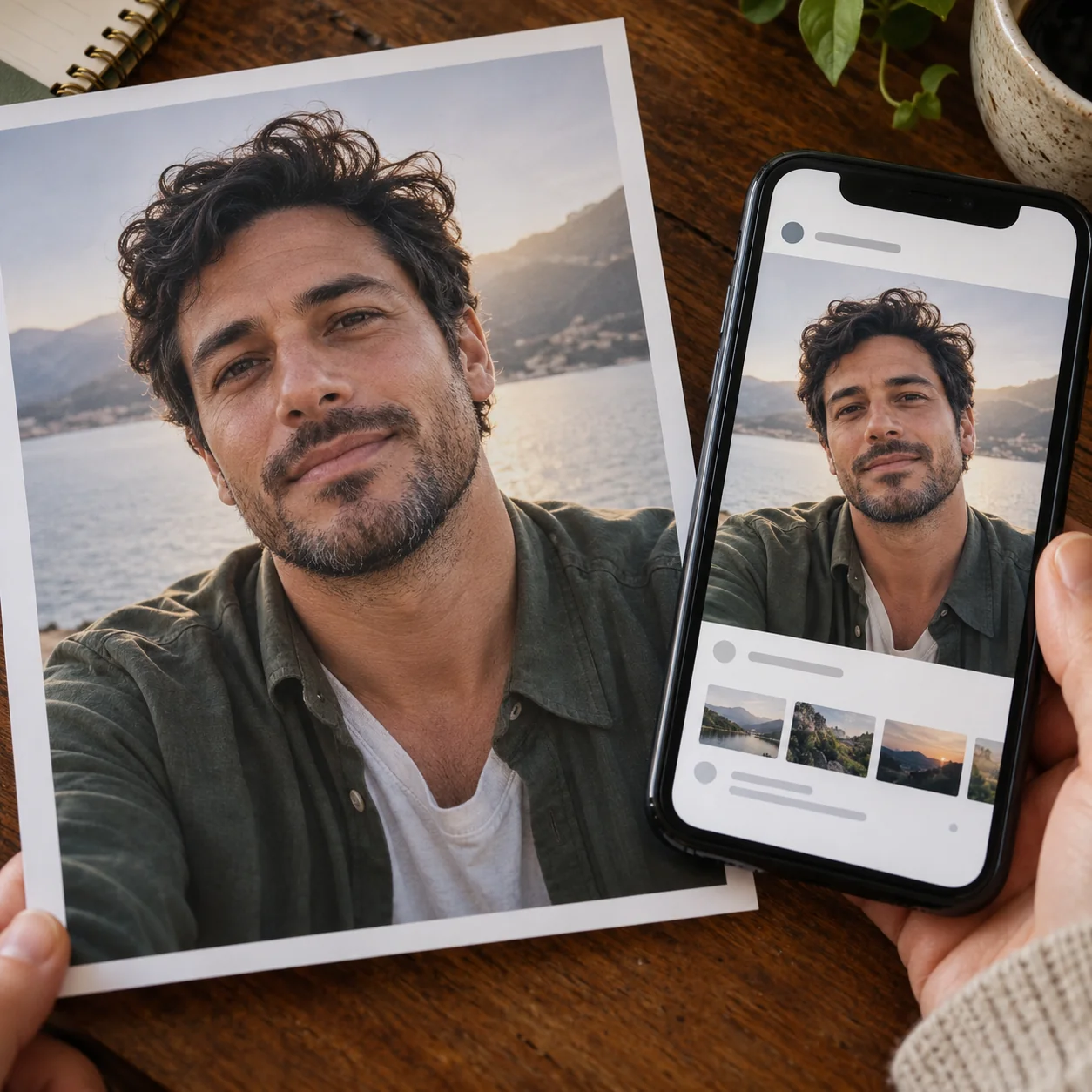
Start the search when you’re ready. Face Lookup returns available indexed images with similar faces, similarity scores when available, and source links. A different photo of a similar face may appear; this is not a search of private dating-app accounts.

03Compare the photo and the context

Open the original pages. Compare the face, the name used, the publication date if shown, and the surrounding text with the dating profile. A discrepancy is something to investigate, not an automatic verdict about the person in the photo.

CLUES TO REVIEW

What can you check in the results?

Use the links as starting points. The search does not automatically extract verified names, identify an original author, or decide who controls an account.

PROFILE CONTEXT

Does the photo fit the profile?

A matching-looking face on a public page may give you more context to compare with the profile. Check details together: someone can use a nickname, change jobs, or move. One difference on its own does not establish deception.

POSSIBLE REUSE

Is someone else using the image?

If you are checking your own photo, a returned page may be a place to inspect for possible reuse. Look at the actual image and caption before reporting it. The person pictured may be the victim of impersonation, not the person operating the account.

SOURCE CONTEXT

What does the original page say?

A source may be a personal page, an article, or a repost. Read it before interpreting the link. The domain alone does not tell you why a photograph appears there, and a page can change or disappear after it was indexed.

UNRESOLVED QUESTIONS

What still needs checking?

No result means this search did not return a matching source from the available index. It does not prove that an account is genuine, that someone has no other profiles, or that the photo is AI-generated. Keep the question open and use independent checks.

SEARCH METHODS

Choose the method that fits your question

Searching for copies of a photo and searching for similar faces answer related but different questions.

Trace copies of the whole image

A general reverse image tool, such as Google Lens or TinEye, can help you investigate copies, crops, or other uses of an image. Open the sources to check whether they show the same photograph; a returned page is not automatically the first place it was published.

Look for similar faces

Face Lookup starts from a face and looks across available indexed public images. It may return different photographs with similar facial features. A score measures visual similarity, not the probability that two accounts belong to the same person.

Check the account independently

Compare the profile’s history and what the person tells you. A live conversation can add context, but video and voice can also be manipulated. If someone pressures you for money, identity documents, or intimate images, pause rather than relying on a photo match to make the decision.

Use more than one kind of evidence. A face search, a reverse image search, and a conversation can each leave questions unresolved.

READING RESULTS

Understand the limits before drawing a conclusion

A useful search gives you places to look. It cannot authenticate a person or certify a dating profile as safe.

Similarity is a lead

Look beyond the score. Lighting, age, pose, and image quality affect visual comparisons, and unrelated people can look alike. Check the original picture and context even when a score is high.

Public coverage has gaps

Face Lookup cannot open private, deleted, or access-restricted dating content. A returned source may require a separate login or no longer be available. An empty search does not establish that a profile is real.

Keep your next step practical

If you suspect impersonation, preserve relevant messages and report the account through the platform. If you have sent money, contact your bank or payment provider promptly. A search result is not a background check or proof of criminal conduct.

The person shown in a photograph may have no connection to the account that sent it. Avoid contacting or accusing people solely because they appear in a result.

Catfish photo search questions

What the search can show, what it costs, and what remains for you to verify.

No. Face Lookup searches available indexed public images; it does not enumerate members of a dating app or open private and access-restricted profiles. A photo associated with a dating profile may appear elsewhere publicly, but coverage and matches are not guaranteed.


No. A score describes facial resemblance, not identity or intent. Even a matching photograph might have been reposted or stolen. Compare the original sources and other details; do not label the person pictured a scammer.


No result means no matching source was returned from the available index for this search. The image could be private, unindexed, new, or difficult to match. It does not prove either authenticity or deception.


This page does not provide an AI-image detector. A missing match is not evidence that a face is AI-generated, and an on-device face check only helps prepare a usable photo; it does not authenticate the image.


A confirmed search requires a signed-in Face Lookup account and 3 credits. A completed search with no matches also uses credits. Choosing a photo, cropping it, and reading this page do not start a search. Available results can be expanded without running another search.


Submit only photos you own or have permission to use. Choose one clear adult face in a JPG, PNG, or WebP file up to 5 MB. Do not submit children’s photos or use results for hiring, credit, or other consequential decisions.


Submitted photos are stored privately for 30 days from task creation, including failed searches, for troubleshooting and compliance review. Authorized staff access is recorded. Results and history are available only to the owner for 30 days. Provider retention is separate.


Open the original pages and compare the actual image, dates, and context. Nicknames, reposts, and impersonation can all produce different names. Preserve relevant evidence and report concerns through the platform; the person in the photograph may be a victim of stolen images.


Read our privacy policy

Check the photo. Review the sources.

Start with a photo you’re authorized to use. Use the returned links to ask better questions about the profile.